
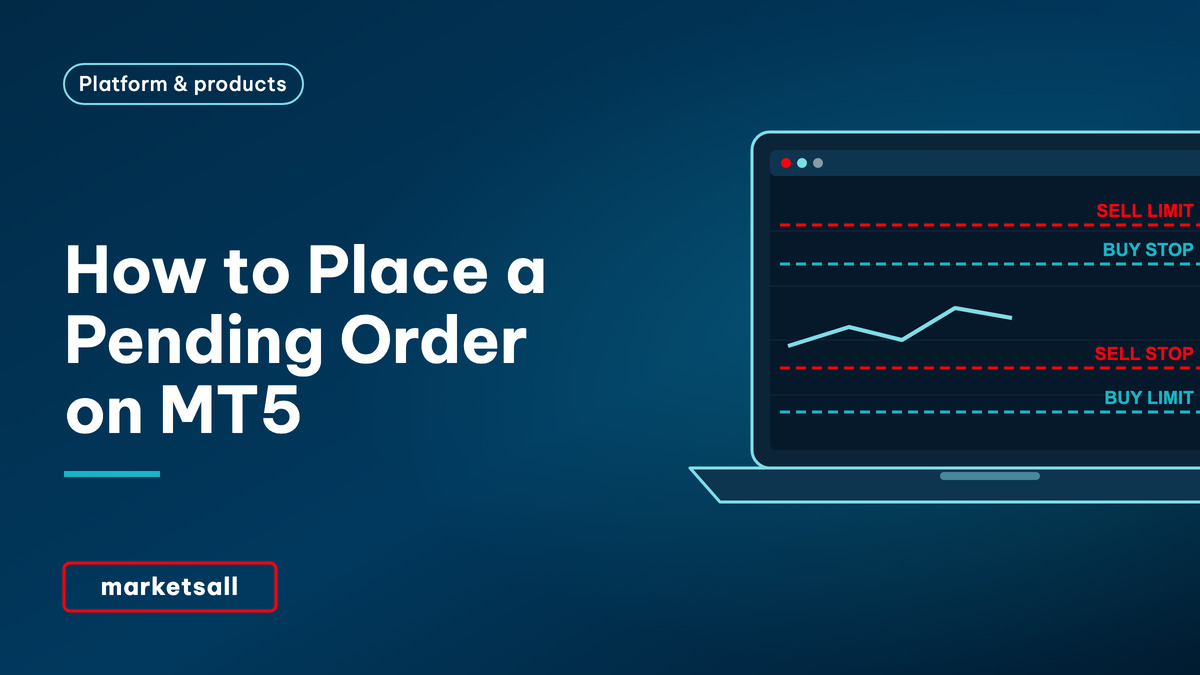
A pending order in MetaTrader 5 is an instruction to open a trade automatically when the price reaches a level you choose. There are six types: buy limit and sell limit, which enter at a better price than now; buy stop and sell stop, which enter when the price breaks through a level; and buy stop limit and sell stop limit, which combine the two. You place them from the order window by choosing Pending Order as the type.
Key takeaways
- Buy limit: below the current price. Sell limit: above it. Both enter at the level or better.
- Buy stop: above the current price. Sell stop: below it. Both become market orders when triggered.
- Stop limit orders, specific to MT5, place a limit order once a stop price is reached.
- Expiry options include Good till cancelled, Today and a specified time.
- Pending orders are stored on the server and do not need the platform to be open.
| Where | Order window › Type: Pending Order |
|---|---|
| Buy limit | Below current price; buy on a dip |
| Sell limit | Above current price; sell on a rise |
| Buy stop | Above current price; buy on a breakout |
| Sell stop | Below current price; sell on a breakdown |
| Stop limit | Stop price triggers a limit order |
| Expiry | GTC, Today, Specified, Specified day |
The six pending order types
| Order | Placed | Used when you expect | Fills at |
|---|---|---|---|
| Buy Limit | Below the current ask | A dip, then a rise | The level or better |
| Sell Limit | Above the current bid | A rise, then a fall | The level or better |
| Buy Stop | Above the current ask | A breakout to continue upwards | Next available price |
| Sell Stop | Below the current bid | A breakdown to continue downwards | Next available price |
| Buy Stop Limit | Stop above the price, limit below the stop | A breakout, then a pullback | The limit level or better, once triggered |
| Sell Stop Limit | Stop below the price, limit above the stop | A breakdown, then a bounce | The limit level or better, once triggered |
How to place a pending order on MT5 desktop
- Open the order window. Press F9 or double-click the symbol in Market Watch.
- Set Type to Pending Order. The window changes to show the pending order fields.
- Choose the order type. Buy Limit, Sell Limit, Buy Stop, Sell Stop or one of the stop limit types.
- Enter the price and volume. For stop limit orders, enter both the stop price and the limit price.
- Add Stop Loss and Take Profit. They attach to the position when the order fills.
- Choose the expiration. Good till cancelled, Today, Specified time or Specified day.
- Click Place. The order appears in the Trade tab under the open positions.
You can also right-click the chart at the level you want and use the Trading submenu, which offers the appropriate limit or stop order for that price. On MT5 mobile, open a new order and change the execution type from Market to the pending order type. Menu names can differ slightly between MetaTrader 5 desktop, mobile and Web Trader, and between versions.
Rules and common errors
| Problem | Cause | Fix |
|---|---|---|
| Invalid price | The level is on the wrong side of the market for that type | Use the table above: limits on the better side, stops on the breakout side |
| Invalid stops | The order is closer than the stops level | Move it further away; check the specification |
| Order not filled though the chart touched it | Buy orders trigger on the ask, sell orders on the bid | Show the ask line (F8) |
| Not enough money | Margin is checked when the order triggers | Keep free margin available |
| Order vanished | It expired, or was cancelled around a corporate action or rollover | Check the expiration setting and History |
The symbol’s stops level and trading hours are in the contract specification. How orders fill in fast markets is covered in why your order filled at another price.
Choosing between a limit and a stop
A limit order waits for a better price and never fills worse than the level, but it may never fill if the price turns before reaching it. A stop order waits for confirmation that the price is moving your way and always fills if triggered, but possibly beyond the level. The general order types are compared in market order vs limit order vs stop order; breakout entries are discussed in what a breakout strategy is.
Common mistakes to avoid
Using a limit when you meant a stop. MT5 rejects it, or fills immediately if the market has already passed the level.
Forgetting orders. An old GTC order can open a trade long after the idea has gone.
Breakout slippage. Stop entries in fast markets can fill beyond the level; see slippage.
No stop-loss attached. Add one to the pending order itself; see how to set a stop-loss and take-profit on MT5.
Risk warning. Trading CFDs carries a high level of risk since leverage can work both to your advantage and disadvantage. As a result, the products offered on this website may not be suitable for all investors because of the risk of losing all of your invested capital. You should never invest money that you cannot afford to lose, and never trade with borrowed money.
Frequently asked questions
What is the difference between a buy limit and a buy stop?
A buy limit is placed below the current price and buys if the price falls to that level, at the level or better. A buy stop is placed above the current price and buys if the price rises to that level, filling at the next available price.
How do I place a pending order on MT5?
Open the order window with F9, set Type to Pending Order, choose the order type, enter the price, volume, stop-loss, take-profit and expiration, then click Place. The order appears in the Trade tab.
What is a buy stop limit order?
A buy stop limit places a buy limit order once the price rises to a stop level. It is used when you want confirmation of a breakout but expect to buy on a pullback. It is specific to MetaTrader 5.
Why didn’t my pending order trigger?
Most often because buy orders trigger on the ask and sell orders on the bid, while the chart shows the bid. Other reasons are expiry, the market being closed at that level, or insufficient free margin when the order was triggered.
Do pending orders work when MT5 is closed?
Yes. Pending orders are stored on the trade server and are triggered even if your platform is closed or your computer is off.
Related reading
Decide between price and fill first
Is the idea about the fill or the price? Market orders vs pending orders settles that before you pick a type, and gap risk shows what a weekend open can do to an order left on Good till cancelled.
Register