
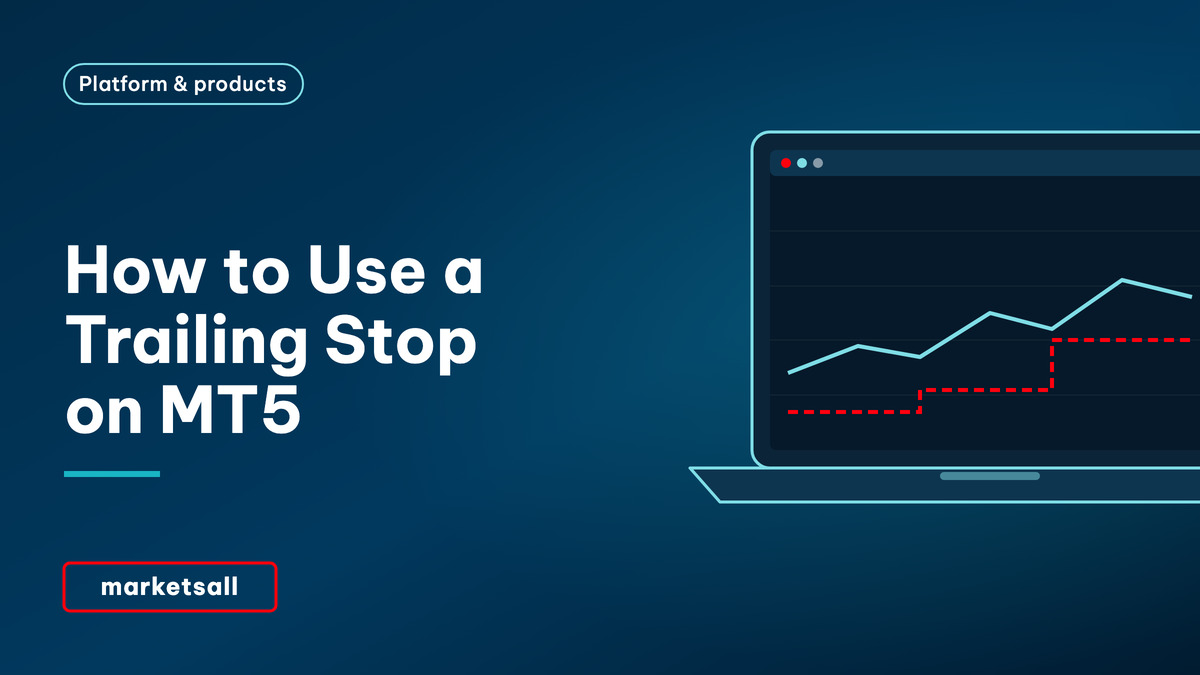
A trailing stop moves your stop-loss behind a winning trade. In MetaTrader 5 you set it on an open position: right-click the position in the Trade tab, choose Trailing Stop and pick a distance in points. As the price moves in your favour the stop follows at that distance; when the price moves back, the stop stays where it is. On the desktop terminal it runs on your computer, not on the server, so it only works while MT5 is open.
Key takeaways
- Set it from Toolbox › Trade › right-click the position › Trailing Stop.
- The distance is in points, not pips: on a five-digit currency symbol, 200 points is 20 pips.
- The stop only ever moves in the profitable direction.
- On MT5 desktop the trailing stop runs in the terminal; close the platform and it stops updating, although the last stop-loss it set stays on the server.
- It locks in gains but also closes trades on normal pullbacks.
| Where | Trade tab › right-click position › Trailing Stop |
|---|---|
| Distance | Preset values in points, or Custom |
| To remove | Choose None; Delete All removes every trailing stop |
| Direction | Moves only towards profit |
| Runs where | In the desktop terminal, not on the server |
| Ordinary stop-loss | Stored on the server; works with the platform closed |
How a trailing stop works
Take a buy position with a trailing distance of 300 points. Once the price is 300 points above your entry, MT5 places the stop-loss 300 points below the current price. Each time the price makes a new high, the stop is moved up to stay 300 points behind. If the price falls, the stop does not move, so a pullback of more than 300 points closes the trade. A sell position works the same way in reverse. The stop itself is an ordinary stop-loss once it has been placed.
How to set a trailing stop
- Open the Trade tab. Press Ctrl+T and choose Trade.
- Right-click the open position. Choose Trailing Stop.
- Pick a distance. Select one of the preset point values, or Custom to type your own.
- Check the Trade tab. Once the trade is far enough in profit, a stop-loss price appears in the S/L column and updates as the price moves.
- To switch it off. Right-click the position › Trailing Stop › None. Delete All removes trailing stops from every position.
On MT5 mobile a trailing stop is available on the position screen in recent versions. Menu names can differ slightly between MetaTrader 5 desktop, mobile and Web Trader, and between versions.
Points, not pips
| Symbol | Digits | 100 points equals | A sensible distance depends on |
|---|---|---|---|
| EURUSD | 5 | 10 pips | Recent daily range |
| USDJPY | 3 | 10 pips | Recent daily range |
| XAUUSD | 2 | $1.00 | Gold moves 1–2% a day |
| US500 | 1 | 10 index points | Index volatility |
Check the digits for each symbol in the contract specification. A distance that is tight on gold can be very wide on a currency pair.
The limitation that catches people out
On the desktop terminal, the trailing stop is a feature of the program on your computer. MetaTrader 5 watches the price and sends a modify instruction each time the stop should move. If you close the platform, log out or lose your connection, no more instructions are sent. The last stop-loss level it placed remains on the server and still protects the position, but it stops following the price. Traders who need it to run continuously use a virtual private server or move stops manually. It also cannot protect against a gap: like any stop, it becomes a market order when triggered, as described in why your order filled at another price.
When it helps and when it hurts
| Feature | Trailing stop | Fixed stop-loss |
|---|---|---|
| Protects gains automatically | Yes | No, unless you move it |
| Survives a normal pullback | Only if the distance is wide enough | Yes, if placed beyond the noise |
| Works with the platform closed | No, on desktop | Yes |
| Needs a decision after entry | No | Yes, if you want to move it |
| Best suited to | Trending markets and longer holds | Trades with a clear invalidation level |
A trailing stop is a management tool, not a risk-sizing tool. The size of the position still decides what a loss costs; see position sizing and the 1% rule.
Common mistakes to avoid
Assuming it runs when the platform is closed. On desktop it does not.
Setting it too tight. Normal noise closes the trade early.
Confusing points with pips. A five-digit symbol has ten points per pip.
Treating it as a guarantee. It is still a stop-loss and can be gapped through.
Risk warning. Trading CFDs carries a high level of risk since leverage can work both to your advantage and disadvantage. As a result, the products offered on this website may not be suitable for all investors because of the risk of losing all of your invested capital. You should never invest money that you cannot afford to lose, and never trade with borrowed money.
Frequently asked questions
How do I set a trailing stop on MT5?
Open the Toolbox with Ctrl+T, go to the Trade tab, right-click the open position and choose Trailing Stop, then pick a distance in points or choose Custom. Select None to switch it off.
Does a trailing stop work when MT5 is closed?
On the desktop terminal, no. The trailing stop runs in the platform on your computer, so it stops updating when MT5 is closed or disconnected. The last stop-loss level it set stays on the server and remains active.
Is a trailing stop in pips or points?
In points. On a five-digit currency symbol, 10 points equal one pip, so a 200-point trailing stop is 20 pips. Check the number of digits for each symbol in its specification.
What is a good trailing stop distance?
There is no single answer. The distance has to be wider than the symbol’s normal pullbacks or the trade will be closed early, and tight enough to protect a meaningful part of the gain. Traders usually base it on recent volatility rather than a fixed number.
What is the difference between a trailing stop and a stop-loss?
A stop-loss stays at the level you set. A trailing stop moves the stop-loss automatically as the price moves in your favour, and never moves it back.
Related reading
Pair the trail with a trend
A trailing stop pays off when moves persist, so use trend trading strategy to judge whether your market is trending at all, and measure a few weeks of its pullbacks on the chart before choosing a distance.
Register